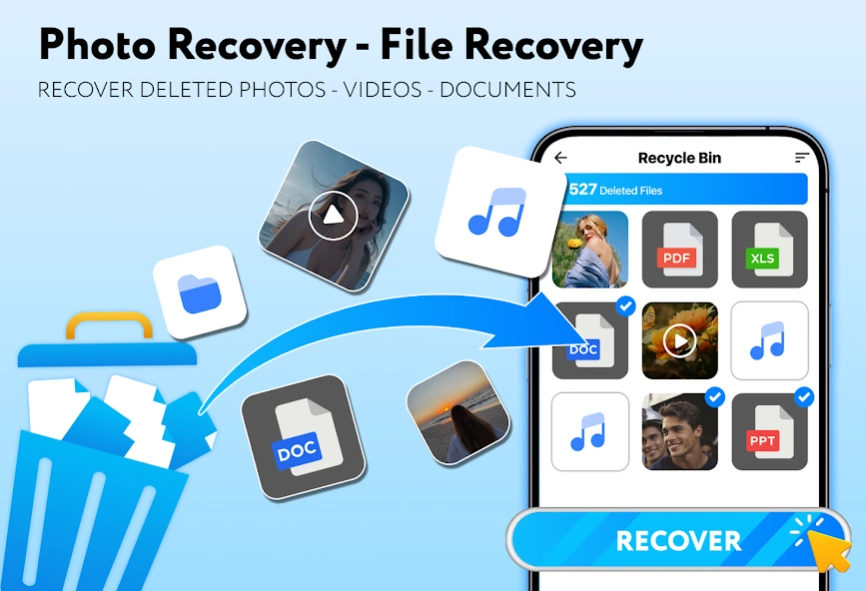
Have you accidentally deleted important photos from your Android phone? Don’t panic — with the DiskDigger Photo Recovery app, you can easily recover deleted photos from internal memory or SD card — even without root access. In this comprehensive guide, you’ll learn how DiskDigger works, how to download and use it step-by-step, and tips to recover your lost images successfully.
Whether it’s personal pictures, WhatsApp images, or work files, this app can help you restore them quickly. Keep reading for the best DiskDigger recovery tips in 2025!
📌 What is DiskDigger Photo Recovery App?
DiskDigger Photo Recovery is a powerful Android app that helps you recover deleted photos and images from your phone’s memory or SD card. Even if you’ve emptied your recycle bin or deleted files from the gallery, DiskDigger scans the device for lost images and gives you the option to restore them.
It offers:
- Basic scan (for non-rooted devices)
- Deep scan (for rooted phones)
- Support for JPG, PNG, and other image formats
- Easy sharing or saving of recovered files
🔥 Why Choose DiskDigger Over Other Recovery Apps?
Here’s why millions of users prefer DiskDigger for photo recovery:
- ✅ No PC or laptop required
- ✅ Works without root (limited but useful)
- ✅ Fast scanning and recovery
- ✅ Free version available with powerful features
- ✅ Regular updates and support
📥 How to Download DiskDigger Photo Recovery APK (Latest Version)
You can download it in two ways:
🔸 From Google Play Store:
👉 DiskDigger Photo Recovery – Google Play
🔸 From APK (if not available on Play Store):
Search “DiskDigger Photo Recovery APK latest version 2025” on trusted APK sites like:
- APKPure
- APKMirror
- Aptoide
Make sure to allow “Unknown Sources” in your settings before installing APK manually.
🛠️ How to Use DiskDigger to Recover Deleted Photos (Step-by-Step)
Follow these easy steps to restore your lost images:
✅ For Non-Rooted Devices (Basic Scan):
- Install and open the DiskDigger app.
- Tap “Start Basic Photo Scan.”
- Allow permissions for storage access.
- Wait for the scan to finish — it will show thumbnails of deleted photos.
- Select the images you want to recover.
- Tap Recover and choose where to save (Gallery, Google Drive, Dropbox, etc.).
🔓 For Rooted Devices (Full Scan):
- Grant Superuser/root access when prompted.
- Select the storage partition you want to scan.
- Choose the file types (e.g., JPG, PNG).
- Let the app perform a deep scan.
- Preview and restore deleted photos easily.
📸 Real Use Case – Can DiskDigger Recover WhatsApp or Gallery Photos?
Yes! DiskDigger can recover:
- WhatsApp received/sent images
- Screenshots
- Camera photos
- Downloads folder items
It can scan deep into your storage and show even months-old deleted images. However, recovery success depends on how much time has passed since deletion and whether new data has overwritten the old files.
💡 Tips to Improve Recovery Success
Here are some pro tips to boost your chances of recovering deleted images:
- 📴 Stop using the device immediately after deletion.
- 📥 Don’t install large apps or update software before recovery.
- 🔄 Use DiskDigger as soon as possible.
- 🔋 Ensure your phone has enough battery before running a deep scan.
🚫 Limitations of DiskDigger Photo Recovery
While it’s a powerful tool, here are some things to keep in mind:
| Feature | Non-Rooted | Rooted |
|---|---|---|
| Basic photo scan | ✅ | ✅ |
| Deep scan (all formats) | ❌ | ✅ |
| Recover videos & other file types | ❌ | ✅ |
| Full storage scan | ❌ | ✅ |
For full access and better recovery, rooted devices offer a major advantage.
📦 DiskDigger Pro Version – Is It Worth It?
The Pro version of DiskDigger gives you:
- Recovery of videos, documents, and other file types
- Full scanning support
- Enhanced performance
If you’re serious about recovering deleted files or if you’ve lost something critical, upgrading to DiskDigger Pro might be a good idea.
📊 DiskDigger vs Other Photo Recovery Apps
| Feature | DiskDigger | Dumpster | Dr.Fone |
|---|---|---|---|
| Root not required | ✅ | ✅ | ❌ |
| Works offline | ✅ | ❌ | ❌ |
| Deep Scan Support | ✅ | ❌ | ✅ |
| File Format Support | JPG, PNG | JPG only | JPG, PNG, MP4 |
| Price | Free / Pro | Free | Paid |
DiskDigger remains the most reliable free option for Android users.
🧠 FAQs – DiskDigger App Recovery
Q1: Can DiskDigger recover permanently deleted photos?
Yes, especially on rooted phones. For non-rooted, it can still find recent deletions.
Q2: Does DiskDigger need internet?
No, it works completely offline.
Q3: Is DiskDigger safe?
Yes, it’s a trusted app with millions of downloads and no malware.
Q4: Does DiskDigger work on iPhone?
No, DiskDigger is only available for Android devices.
📌 Final Words: Recover Your Memories with DiskDigger
Losing your photos doesn’t mean they’re gone forever. With the DiskDigger Photo Recovery app, you can restore deleted pictures easily, even if you don’t have root access. It’s a reliable, user-friendly, and effective tool that everyone should have on their Android phone